Free preview — no sign-up
See your send list before you sign up
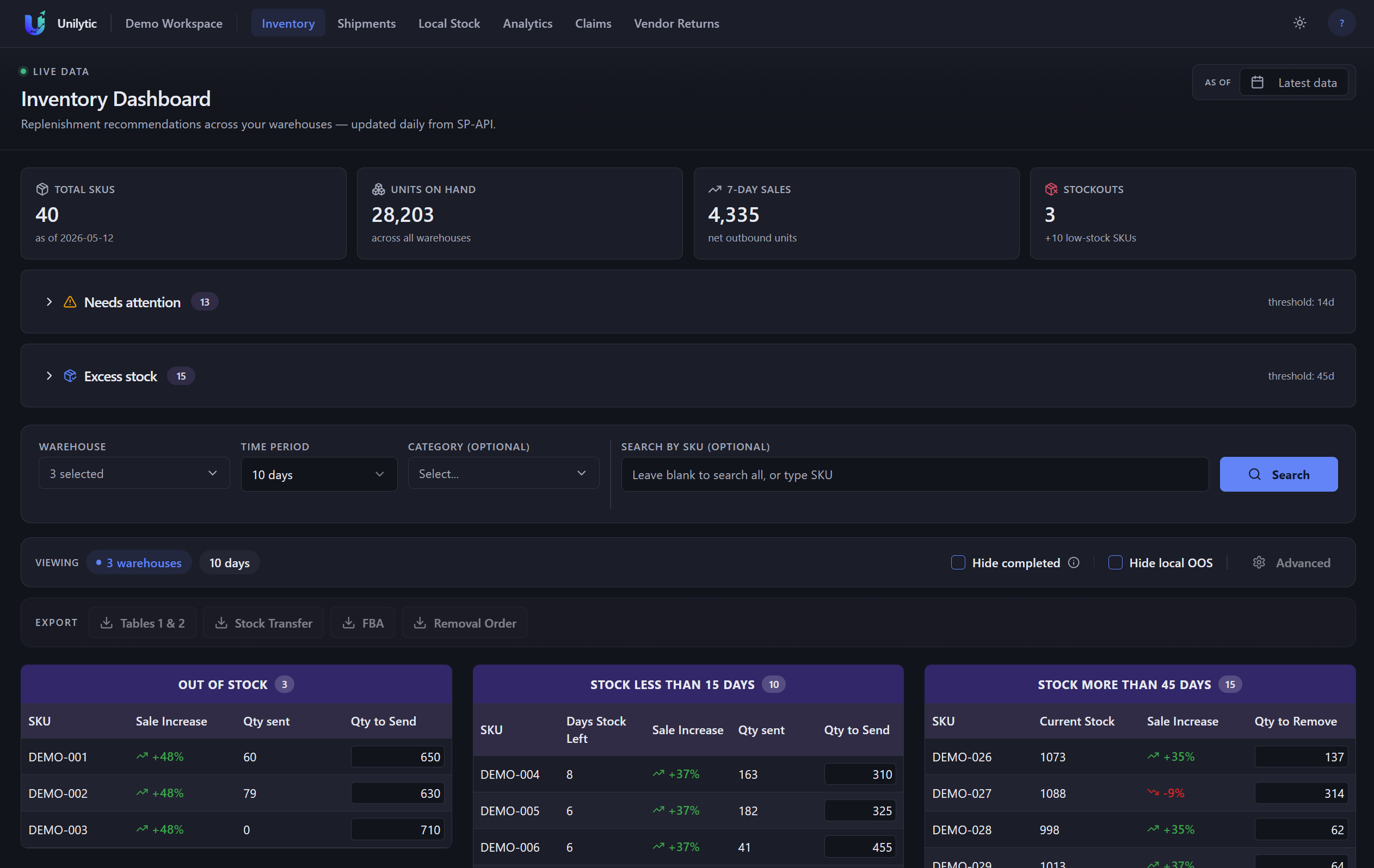
Upload your Amazon Inventory Ledger and get the real Unilytic dashboard on your own data — stockouts, restock quantities, excess stock and sales trends. Your numbers, not a demo reel.
- Analyzed in your browser tab — never stored on our servers
- Takes about 5 seconds
- No account, no email, no card
Where to get the report
- 1Seller Central → Reports → Fulfilment
- 2Open Inventory Ledger, pick 30+ days
- 3Download as .csv and drop it here